Build your software the way you want it, on our platform
You describe what you need and shape it to fit: artificial intelligence builds it, or you take pieces from the store, or your own developer does. Your customers, your orders, your inventory and your money in one place. Wippit keeps it running, day after day.
Made for small and mid-size businesses: from the one-person shop to the one already running a complex operation.
First month free · then $19/mo · cancel anytime
Inbox
4 need you
RAQuote 2598 is waiting on approval
Approve off-list discount
Wants to move the date · RE-2600851
Disputing a parking charge
• 3 more from Adrián still open
Ana: so am I bringing the charcoal?
New booking RE-2601044
You have already tried software that “comes ready”.
It solves the 80% every business shares. The remaining 20% — the part that makes yours different — is exactly the part that doesn't fit, and it was the part that mattered. Here that 20% isn't a product limitation: it's what you build.
The fast, easy way to connect customers with businesses
Wippit is built so your customers reach all the way into your operation. Here's what businesses already do with it.
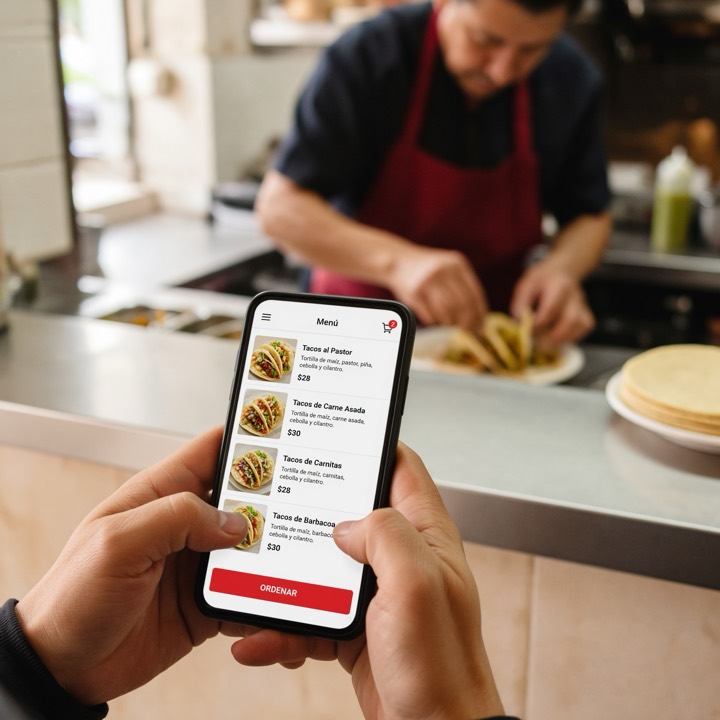
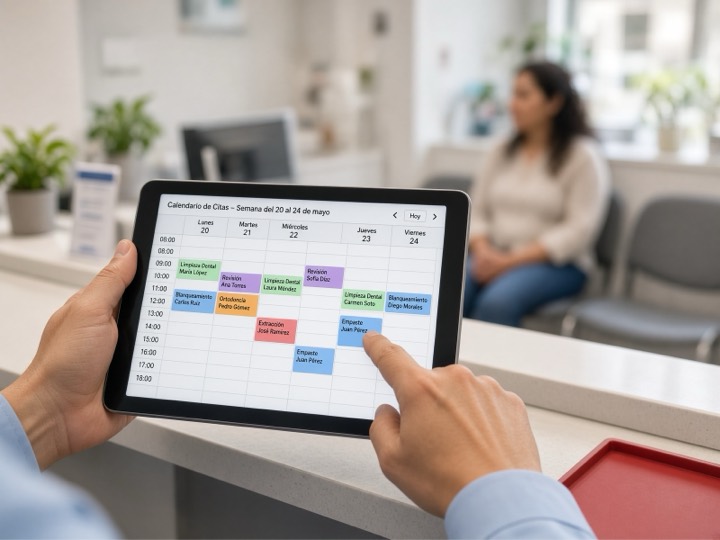


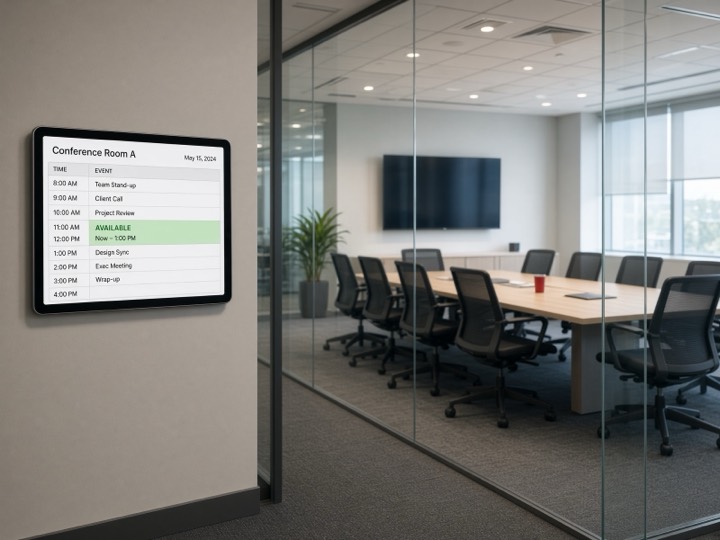
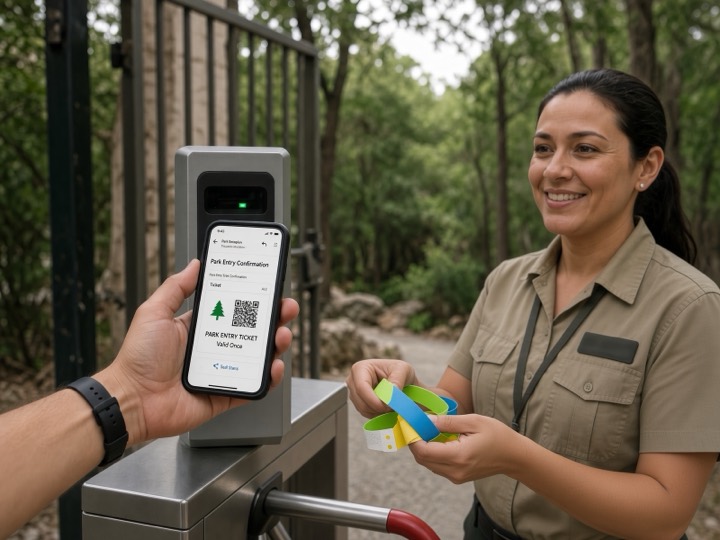

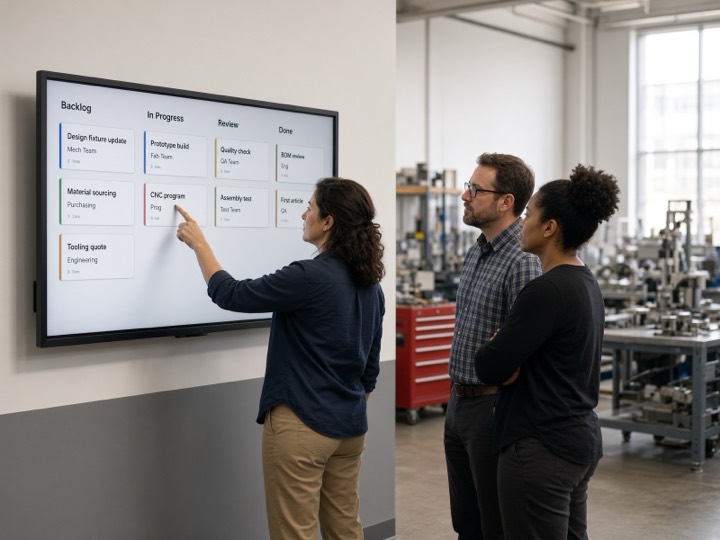
Your customers expect more from your business: more than a service or a product, they expect the whole experience. Wippit helps you transform it, fast and easy.

Immediate fulfillment

Anywhere, in real time

A memorable experience

Continuous value

Personalized quality

Security and privacy
One platform. Three ways to run it.
Each plan is a different category of business, not the same one with more capacity. Every business starts free on Personal and moves up when it needs to, without starting over. Prices are with annual prepay.
Personal
Built for starting out
A shared space inside Wippit. You sell, you get paid, you run the basics.
$19/mo
Annual prepay · $25 month-to-month
For small or one-person businesses that just need to sell and get paid.
Your system, running on Wippit
Bilingual (English/Spanish) from day one
Bring your own Claude
Transactions, no workflows
Everything you build is yours
Your platform
Same day, self-service.
From idea to your system
Hours.
Pro S
Most popularBuilt for B2C
A dedicated, independent server, scaling vertically. Flat rate with no per-user charge, and AI tokens included to build and run.
$149/mo
Annual prepay · $179 month-to-month
For businesses that run on processes: quote, approve, schedule, collect.
Everything in Personal, plus…
Dedicated, independent server, scaling vertically
Flat rate, no per-user charge
Wippit AI Builder included
1 AI agent
Workflows and complex transactions
POS and payments
Employee mobile app
Wippit Network ready
Your own REST API
Your platform
Same day.
From idea to your system
A few days to a week.
Business S
Built for B2B
A dedicated cell, scaling horizontally. Your suppliers, partners and business customers operate with you inside the same system.
$549/mo
Annual prepay · $659 month-to-month
For businesses with complex operations and systems already in place.
Everything in Pro, plus…
Dedicated cell, scaling horizontally
10 AI agents
API for customer management (CRM)
API for marketing campaign management
API for integration with legacy systems
Customer mobile app
Your platform
Same day.
From idea to your system
Two to four weeks.
How it works
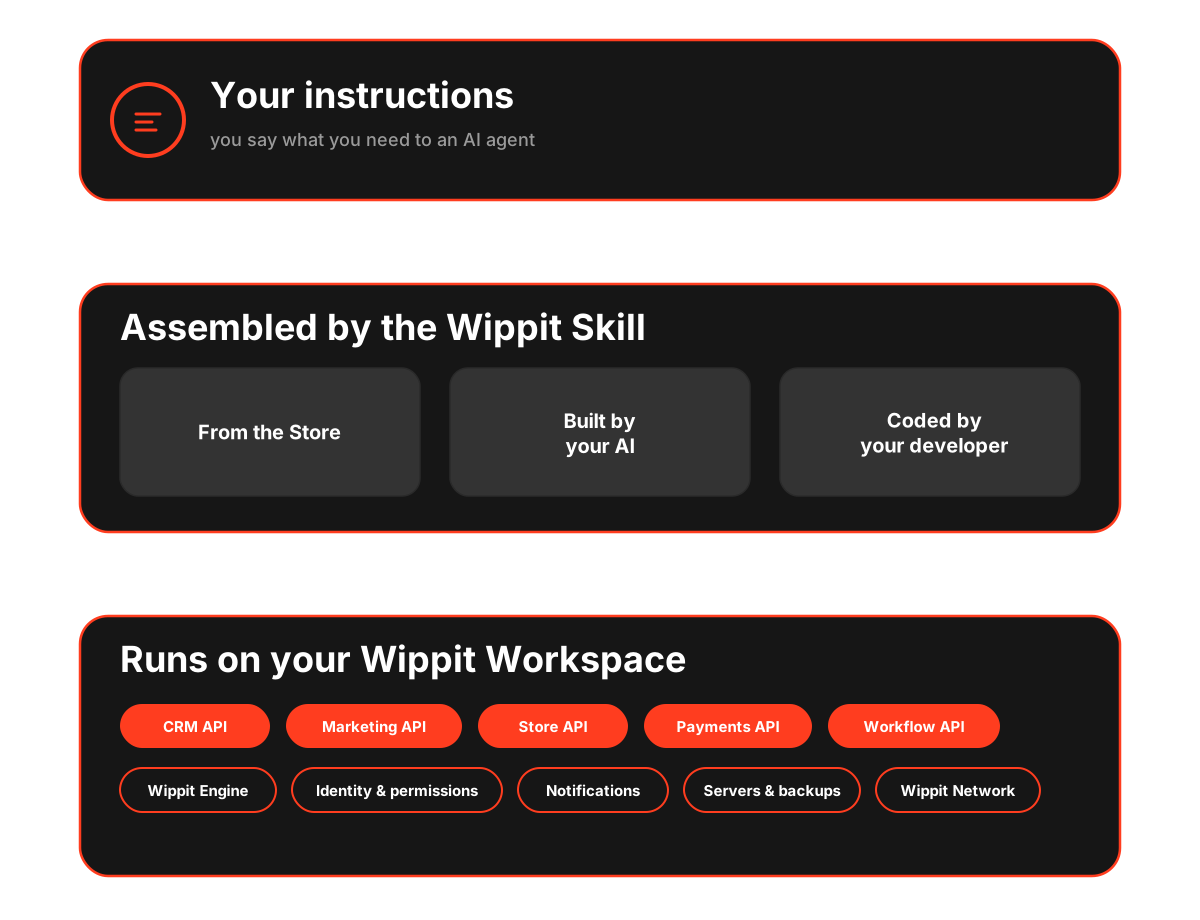
Your instructions
You say what you need to an AI agent.
Assembled by the Wippit Skill
From the Store, built by your AI, and coded by your developer.
Runs on your Wippit Workspace
On the CRM, Marketing, Store, Payments and Workflow APIs, the Wippit Engine, identity & permissions, notifications, servers & backups, and the Wippit Network.
We bring the pieces and the engine that drives them. The design is yours.
Wippit isn't a closed product your business has to bend around. It's the platform your system is built and runs on: you decide what it does and how — with artificial intelligence, with proven pieces from the store, or with your own developer. And if you work differently next month, you change it.
What Wippit brings
- The engine that runs your design every day: reminders go out, open work gets chased and payments get taken, exactly as you defined them
- Servers, backups, security and updates: no infrastructure to buy, nobody to hire to look after it
- Proven pieces in the store — scheduling, collections, point of sale, bookings — ours and other developers'
- What every business needs, already solved: identity, permissions, payments, notifications and the Wippit Network
What you build
- The design: how your business works, your rules, your prices, your decisions
- What you build it with: artificial intelligence, store pieces, or your own developer
- When it changes: don't like it? change it, without waiting for a release
- Your data and who sees it. Everything you build is yours
Businesses running on Wippit right now
Not mockups. Systems in production, running every day.
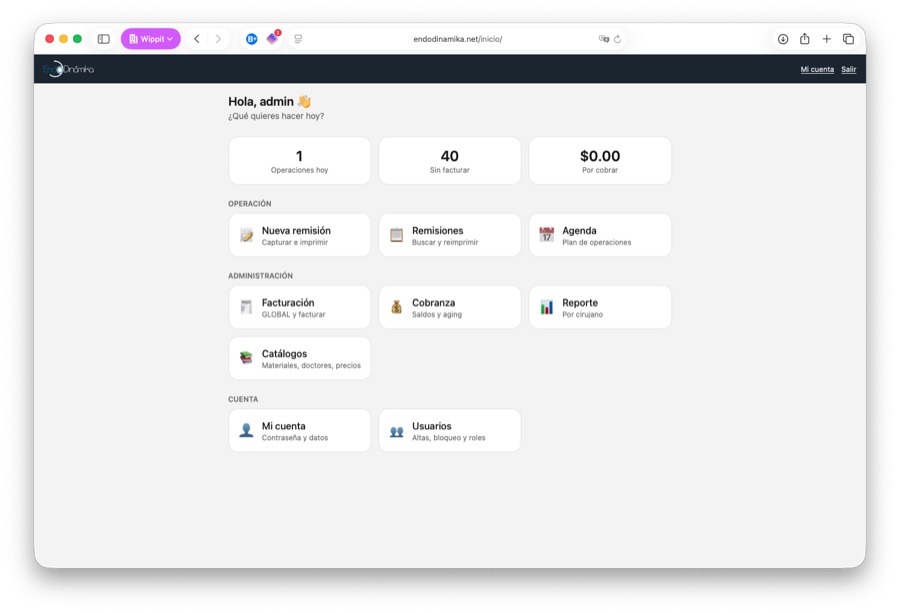
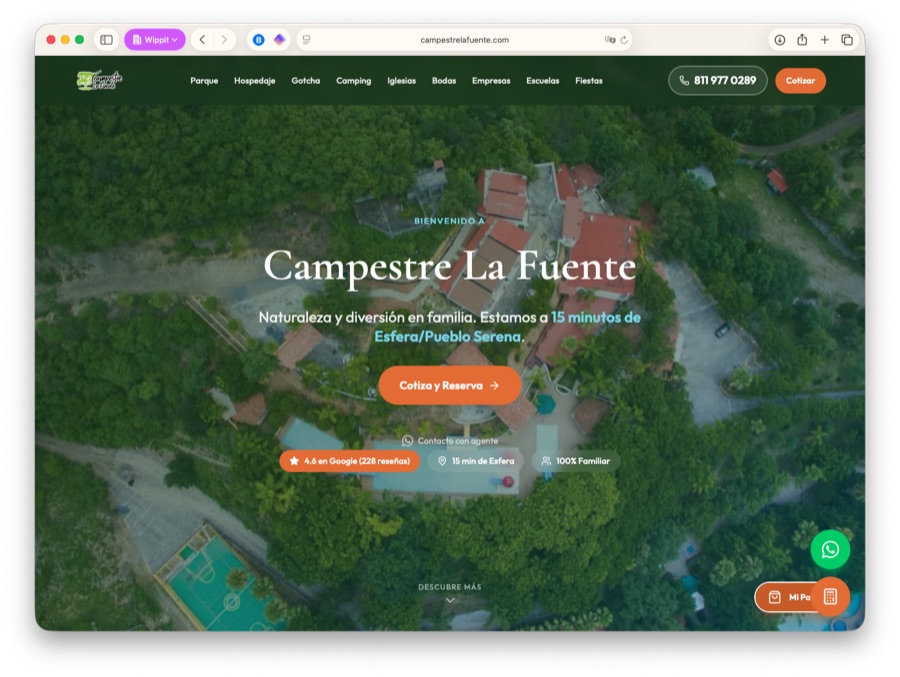
Components ready to install and use
Not everything has to be built from scratch. The store has ready-made pieces — scheduling, collections, point of sale, reservations — that install into your system and work from that moment on.
Visit the storeYou already know where you want to take your business. You don't need millions, a team, or years.
Or, if you'd rather talk it through with someone first: